
Rhino 3D Commands List: Create vs Edit

Rhino 3D Commands: Create vs Edit
A workflow-based command list for faster, clearer modeling
Over the last few weeks, one of our LinkedIn posts crossed 180,000+ impressions!
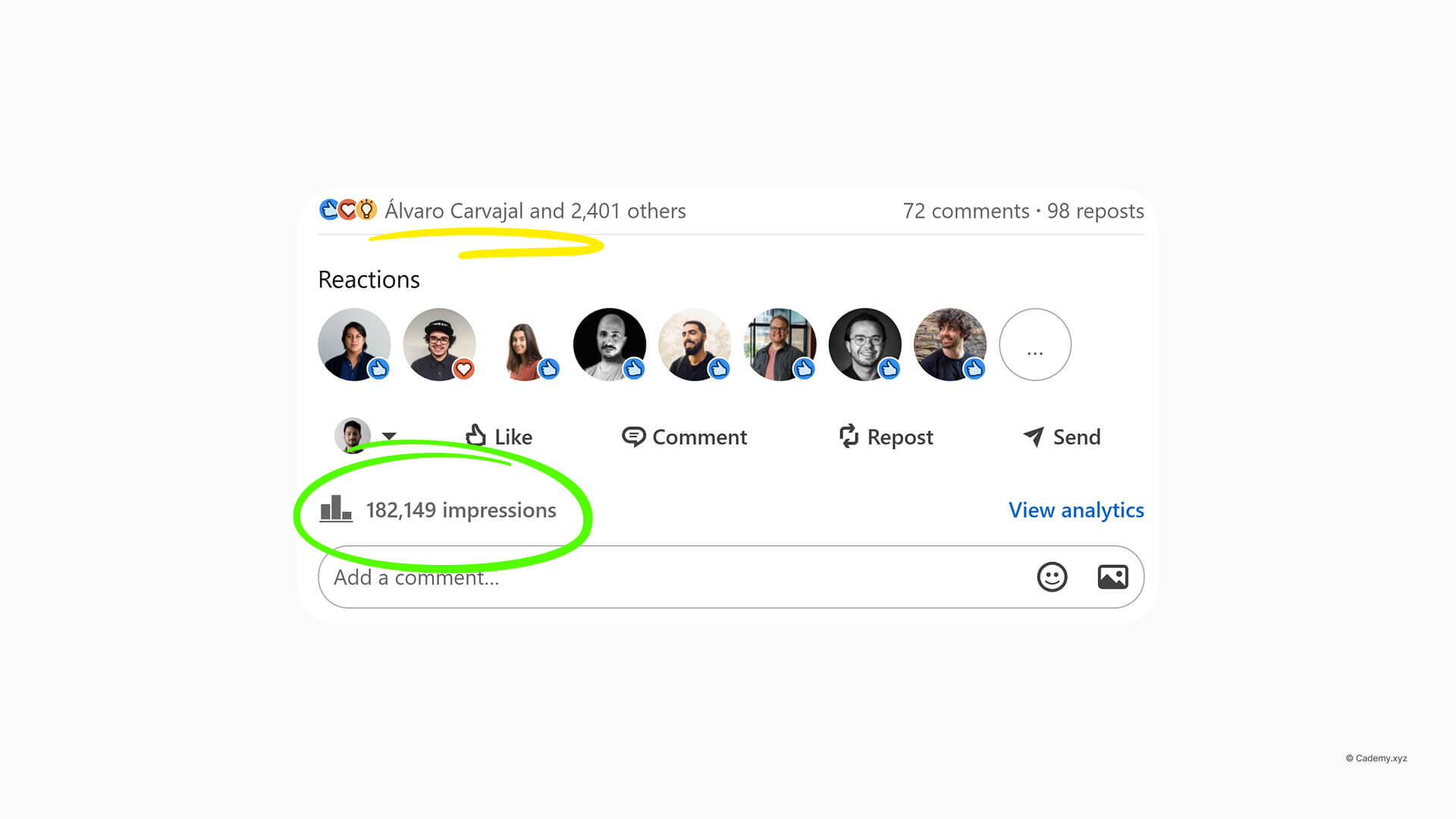
The post was simple:
“It’s often confusing for new (and even experienced) Rhino 3D users to organize commands based on whether they’re creating geometry or editing existing geometry.”
The response was overwhelming.
Many of you asked for the chart as a PDF, a poster, or even a desktop wallpaper.
Download File
So in this article, we’re sharing:
- Printable PDF posters
- Horizontal & vertical wallpapers
- A clear mental model for navigating Rhino commands
- A structured Create vs Edit breakdown for each geometry type

Why Rhino feels overwhelming (even after years)
Most Rhino users learn commands in isolation:
- Someone shows you
_Sweep2 - Another tutorial uses
_MatchSrf - A forum mentions
_Rebuild
But rarely do we step back and ask a simpler question:
Am I creating geometry… or editing geometry?
Once you make that distinction, Rhino suddenly becomes much easier to navigate.
That’s the idea behind this command map.
The Core Mental Model
Every Rhino workflow can be reduced to two intentions:
Create
You are making new geometry from nothing (or from references).
Edit
You are modifying existing geometry to refine, fix, or optimize it.
We then apply this logic consistently across geometry types:
- Point
- Curve
- Surface
- Solid (Polysurface)
- Mesh
- SubD
A. POINTS
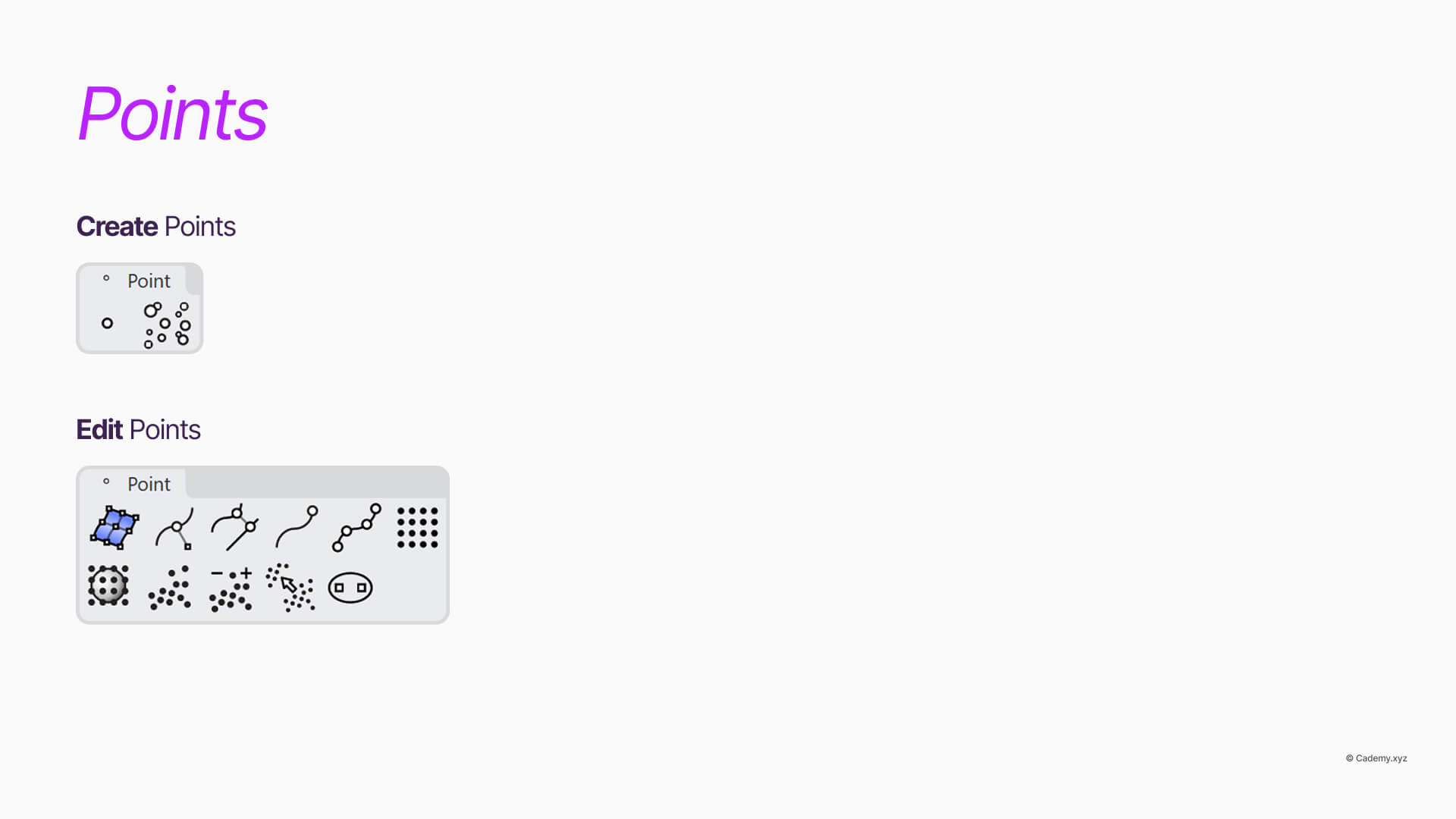
A.1 Points — Create
Used to define locations, construction references, and control logic.
_Point→ Create a single point_Points→ Create multiple points_Divide→ Create points by division along curves_PointGrid→ Create structured point grids
A.2 Points — Edit / Extract
Used to reuse, analyze, or modify point data.
_ExtractPt→ Extract control or edit points_ClosestPt→ Find closest point on geometry_EvaluatePt→ Read point coordinates_Move/_SetPt→ Modify point positions
B. CURVES

B.1 Curves — Create
Commands that generate new curve geometry.
_Line,_Polyline_InterpCrv_ControlPointCurve_Circle,_Arc,_Ellipse_Helix,_Spiral
B.2 Curves — Edit
Commands that modify, refine, or analyze curves.
_Rebuild_Match_BlendCrv_Fillet_Chamfer_Split,_Trim,_Extend_ChangeDegree_Fair
C. SURFACES
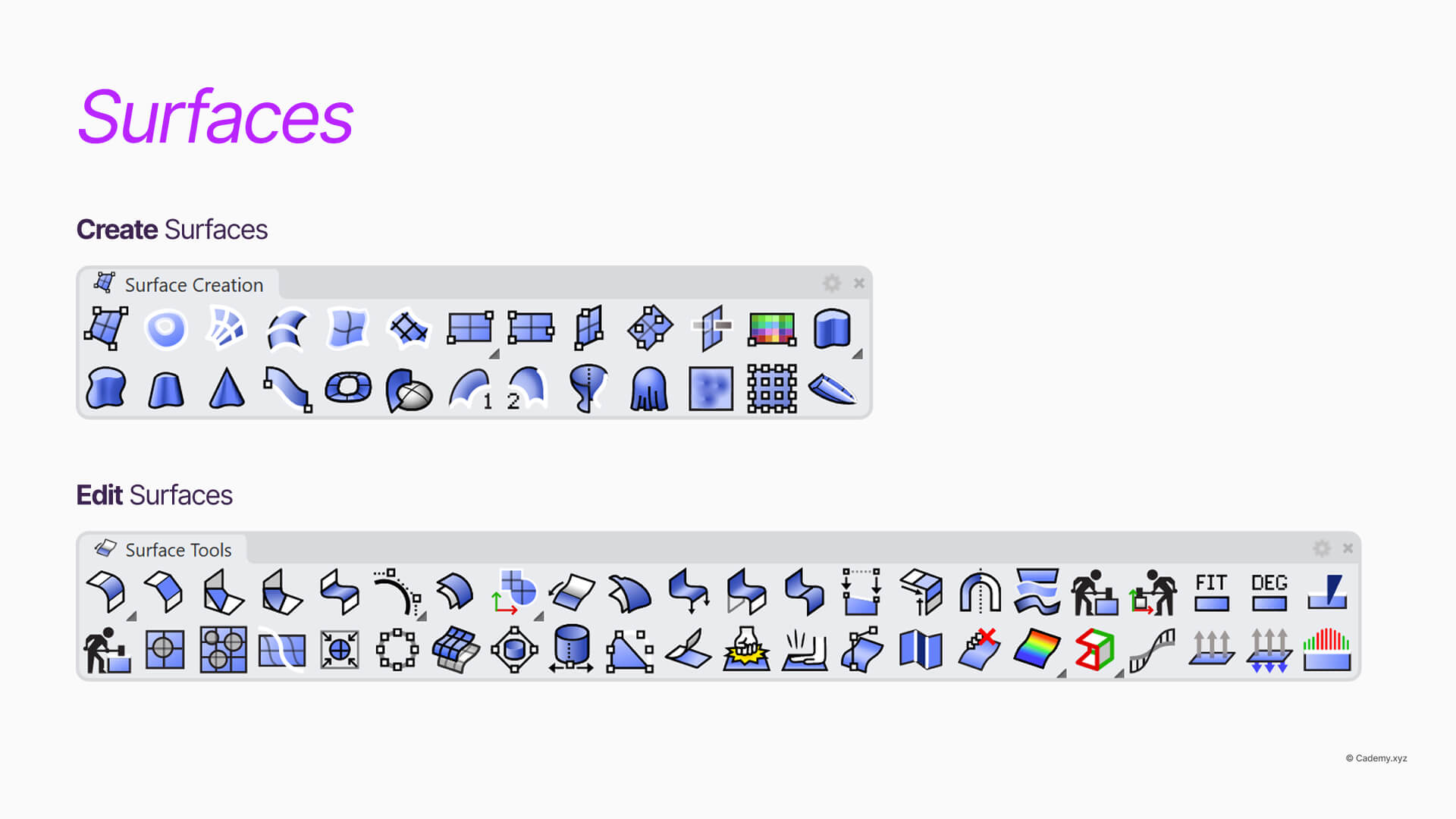
C.1 Surfaces — Create
Primary surface construction tools.
_EdgeSrf_Loft_Sweep1,_Sweep2_NetworkSrf_PlanarSrf_Patch
C.2 Surfaces — Edit
Surface quality, continuity, and cleanup tools.
_MatchSrf_BlendSrf_ExtendSrf_ShrinkTrimmedSrf_Rebuild_Flip_ShowEdges
D. SOLIDS (Polysurfaces)
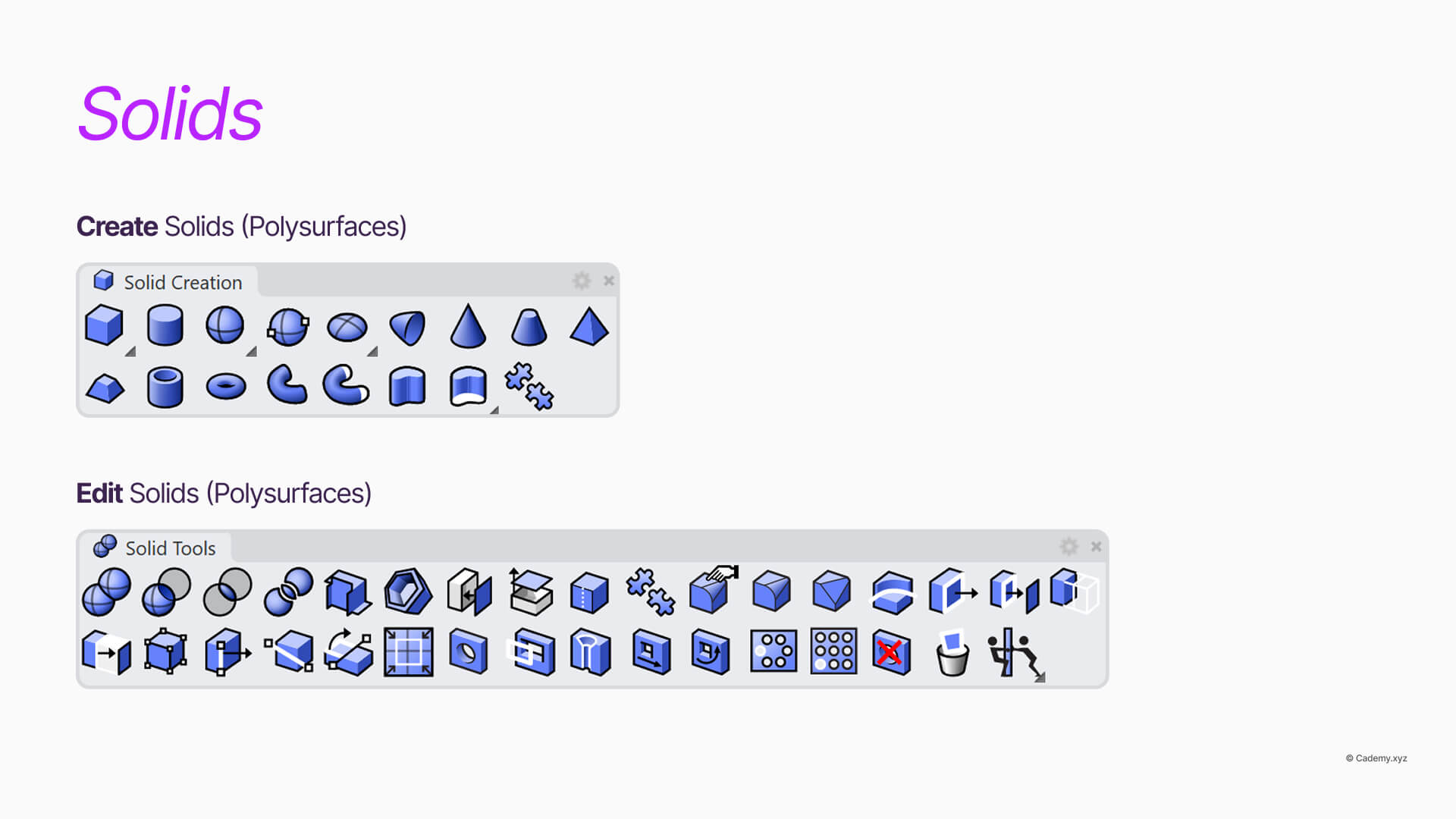
D.1 Solids — Create
Closed, manufacturable geometry.
_ExtrudeCrv_Revolve_Pipe_Box,_Cylinder,_Sphere_BooleanUnion
D.2 Solids — Edit
Topology modification and refinement.
_BooleanDifference_BooleanIntersection_FilletEdge_ChamferEdge_Shell_OffsetSrf
E. MESH
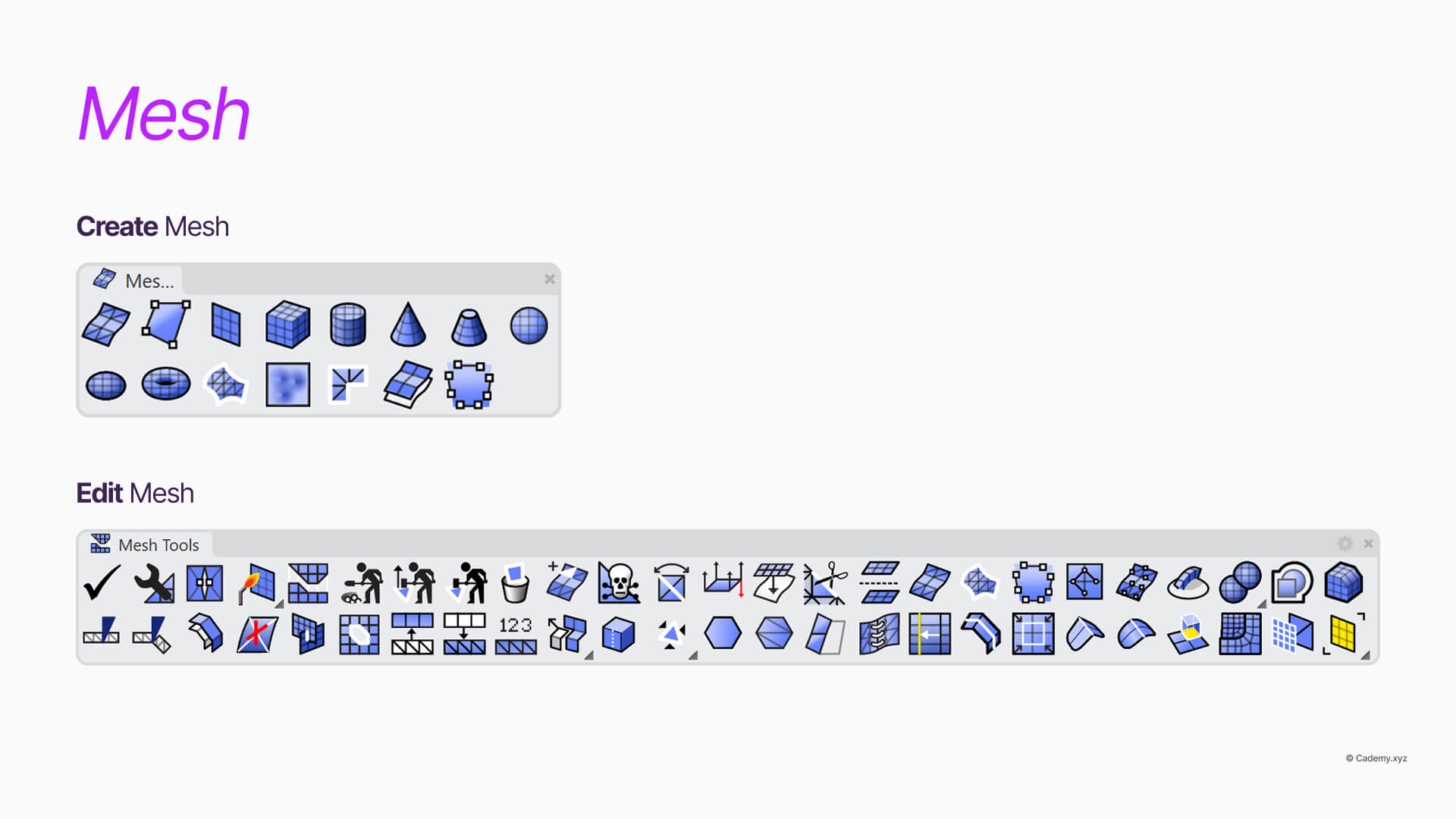
E.1 Mesh — Create
_Mesh_QuadRemesh_MeshPatch_MeshFromPoints
E.2 Mesh — Edit
_ReduceMesh_Weld/_Unweld_FillMeshHoles_CheckMesh_UnifyMeshNormals
F. SubD
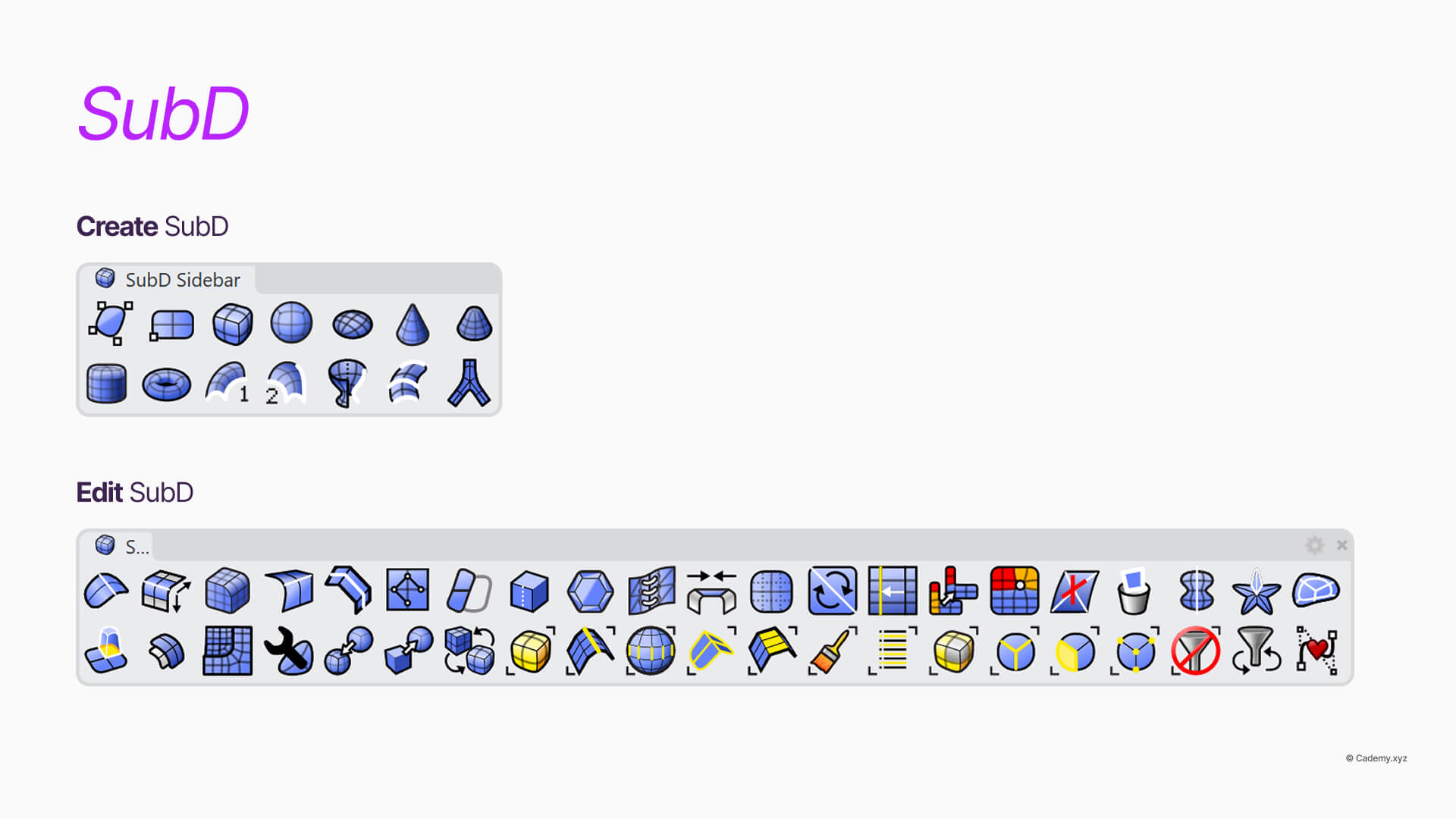
F.1 SubD — Create
_SubDBox_SubDSphere_ExtrudeSubD_Bridge
F.2 SubD — Edit
_InsertEdge_SlideEdge_Crease_Uncrease_ToNURBS
Rhino has hundreds of commands.
This guide focuses on the workflow-defining ones.
For the complete official command list, refer to McNeel’s documentation:
https://docs.mcneel.com/rhino/8mac/help/en-us/commandlist/command_list.htm


